What is Hevy Trainer?
Hevy Trainer is an adaptive strength programming system based on a sophisticated algorithm. It creates personalized programs with built-in progressive overload, tracks your performance, automatically adjusts your working weights, and offers helpful tips.
Trainer is designed for trainees of all levels – from complete beginners to more experienced lifters. It builds complete gym plans as well as home programs you can do with minimal equipment (as little as a pair of dumbbells).
How Does Hevy Trainer Work?
Onboarding
To start, Trainer asks a few questions, such as:
- What’s your experience level?
- What’s your current fitness goal?
- What equipment do you have available?
- How often do you want to work out?
- How long do you want each workout to be?
- Do you want to give extra attention to any muscle group?

Based on your answers, it generates a complete training program. Each workout includes the exercises you will do, the number of sets, the target repetition ranges, and automatic rest times. You also get a recommended starting weight if you’ve logged the exercises at least once in Hevy.
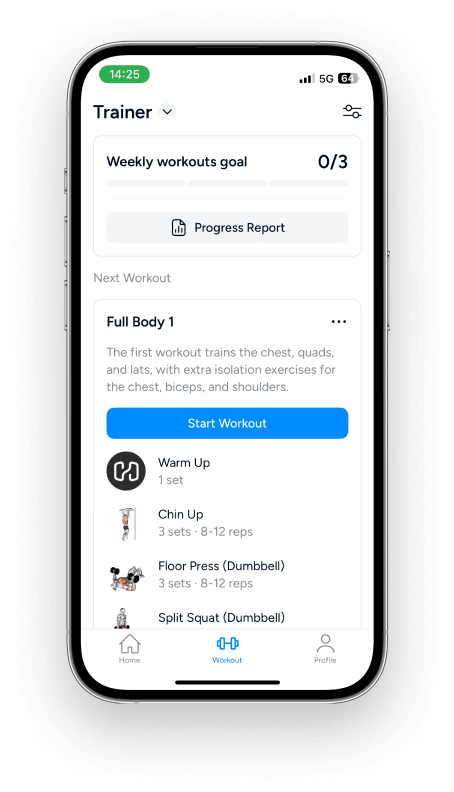
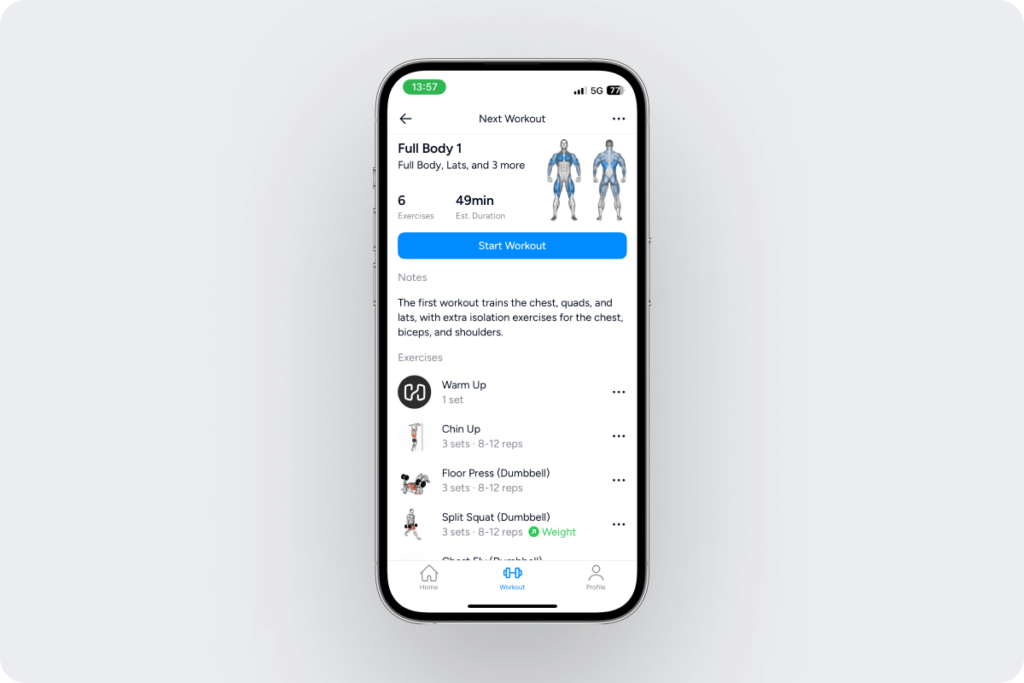
Each Trainer workout includes an overview: the number of exercises, the estimated duration, and a preview of the workout.
Making Changes to Your Program
While we encourage you to do the workouts as laid out, Trainer also allows you to make adjustments, such as adding, removing, swapping, or rearranging exercises.
To make changes, navigate to the Workout tab (make sure you’ve selected ‘Trainer’ from the drop-down menu on the top left), and tap on the workout description or the three dots icon (> Modify Next Workout).

Now, tap the three dots next to an exercise you want to modify or remove and choose:
- Reorder Exercise – drag and drop the movements in a different order if you want

- Replace Exercise – choose from four suitable alternatives recommended by Trainer or tap ‘See All Exercises’ and find the one you want in Hevy’s exercise library

- Don’t Recommend Again – never see this exercise again if you don’t want to do it, can’t do it, or don’t have the equipment for it
To undo this, return to the Trainer section and tap the icon on the top right. Scroll to Program Settings at the bottom and open Exclude Exercises. Tap the three dots > Remove from list for any movement you want Trainer to start recommending again.

- Delete Exercise
At the bottom, you can also tap the grey + Add Exercise button to add more movements to your workout.

You can also edit Trainer workouts while logging them (after selecting Start Workout).

This option is particularly useful if you want to make some changes just for the current workout – for example, the equipment you need for an exercise is unavailable today, so you do an alternative just once.
Working Out & Logging
One of our goals with Trainer was to eliminate guesswork, which meant building a complete system that generates intelligent, effective workout plans. As such, your only job is to do each workout as outlined and log your sets.
To do that, navigate to the Workout tab (select Trainer from the drop-down menu at the top left), and tap Start Workout. This will trigger a live workout, with a stopwatch in the top-left corner.

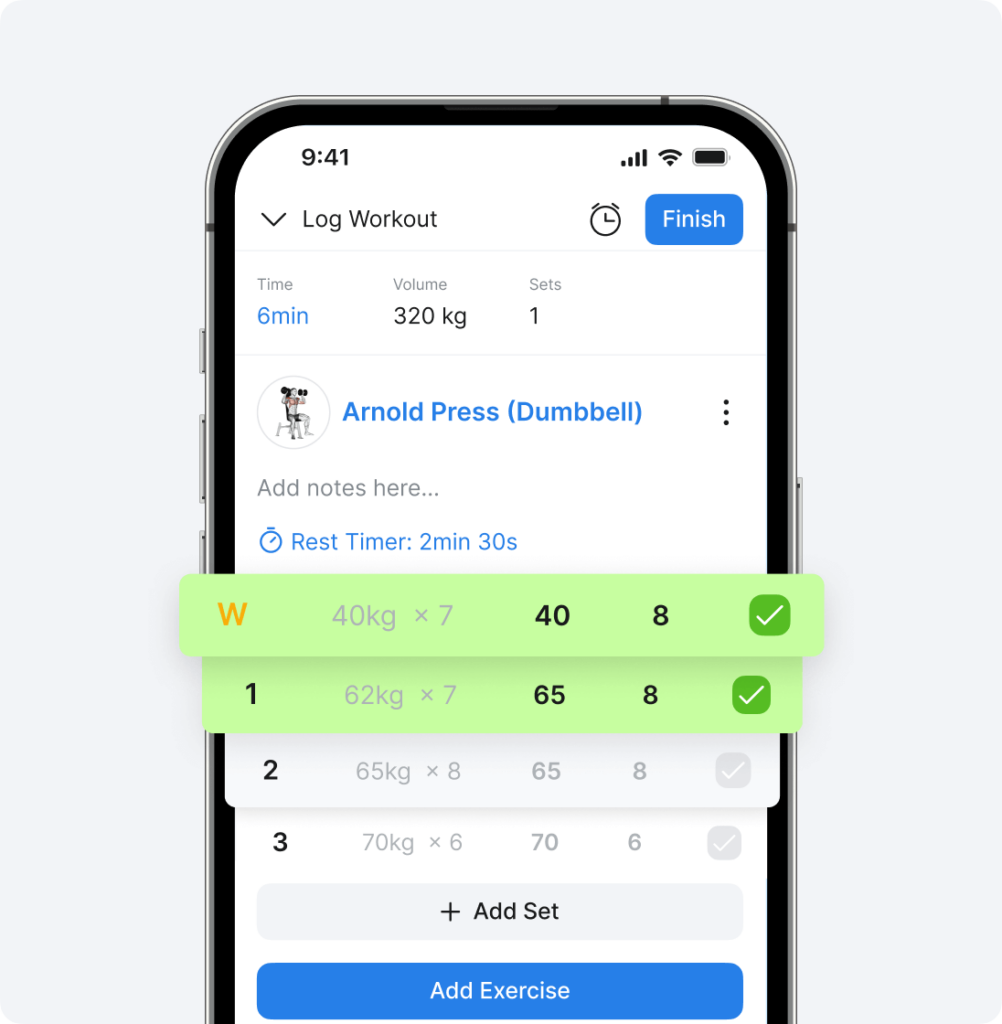
When you do a set, write the number of reps, and tap the grey check on the right to mark the set as completed. This will start the rest timer.

Optionally, you can log your RPE (effort), which is enabled in the workout settings (toggle on RPE Tracking).

If you’ve done the exercise before, you can easily see your past performance under the Previous column. This gives you an actionable goal for now – try to do slightly better than before.
Once you’re done with the workout, tap Finish in the top-right corner to see an overview where you can also write a custom description for the session. Tap Save on the top right, and you’re done.

Following Trainer’s Guidance
To make the Trainer experience more complete, each program comes with ongoing guidance in the form of:
- Automatic weight adjustments based on your performance
- Reminders to push hard if progression stalls
- How-to instructions and demo animations for all exercises
When looking at your next Trainer workout, you’ll also see a small indication next to the movements you’ve made progress on:

Additionally, Trainer offers small workout tips to keep you informed:

Tracking Your Workout Progress
Trainer has a progress report available at the top of the Trainer tab in Hevy’s Workout section.

At the top, you see your week-to-week consistency, along with the time spent working out, the volume load, and the number of sets done.

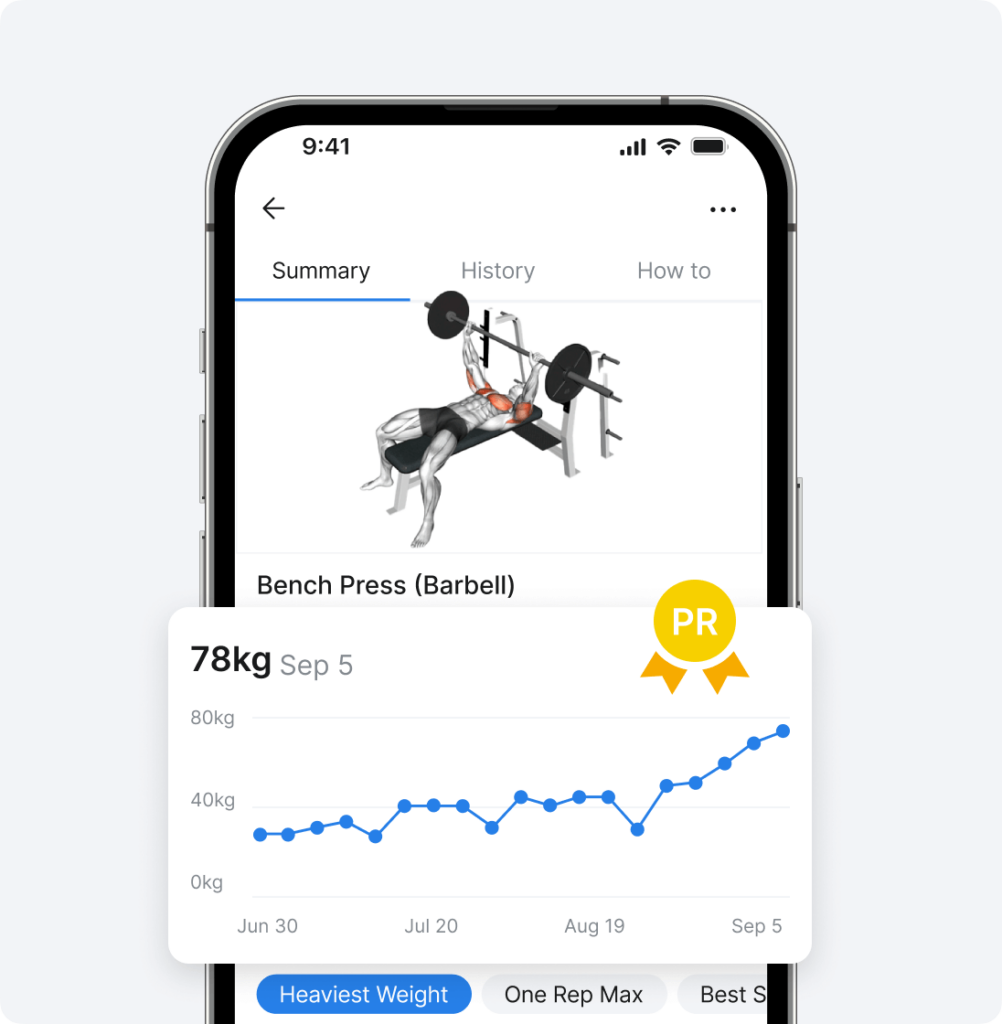
Below that, you can see exercise progress with a brief overview of where you’re progressing or maintaining. You can tap on any movement for an in-depth performance breakdown.

Next, you can see a muscle distribution chart, and below it is a chart showing the number of sets per body part, and if you fall into the recommended (green) range:

Lastly, Trainer displays your week-to-week average body weight, which is automatically calculated so long as you log it in Hevy. This graph is particularly useful when looking to build muscle or lose fat, as it visualizes your progress.
Trainer Settings & More
Circumstances, goals, and interests change, which is why we made it easy to adjust your training when needed.
Open Trainer in the Workout tab and tap the icon in the top-right corner. Here, you can adjust your program by:
- Changing your available equipment
- Selecting a new focus muscle group
- Adjusting the workout duration
- Picking a new goal
- Changing your workout frequency

You can also restart your program.

Scroll down a bit further, and you’ll see Science Behind Hevy Trainer. This section provides some information on programming decisions and how they are informed by peer-reviewed exercise science.